

Design beautiful
presentations with AI.
Describe your idea and Skyline designs the deck, on brand and ready to present. From prompt to polished slides in minutes.




Connects via MCP with




How it works
From idea to finished deck in a few steps
Choose a Design Inspiration
Pick a visual direction from the library or paste your own reference. Skyline designs the whole presentation in that style: complete, on brand, and fully editable.
- A curated library of visual styles
- Paste any image as a reference
- Every slide follows the same direction
Design-first decks from a single prompt
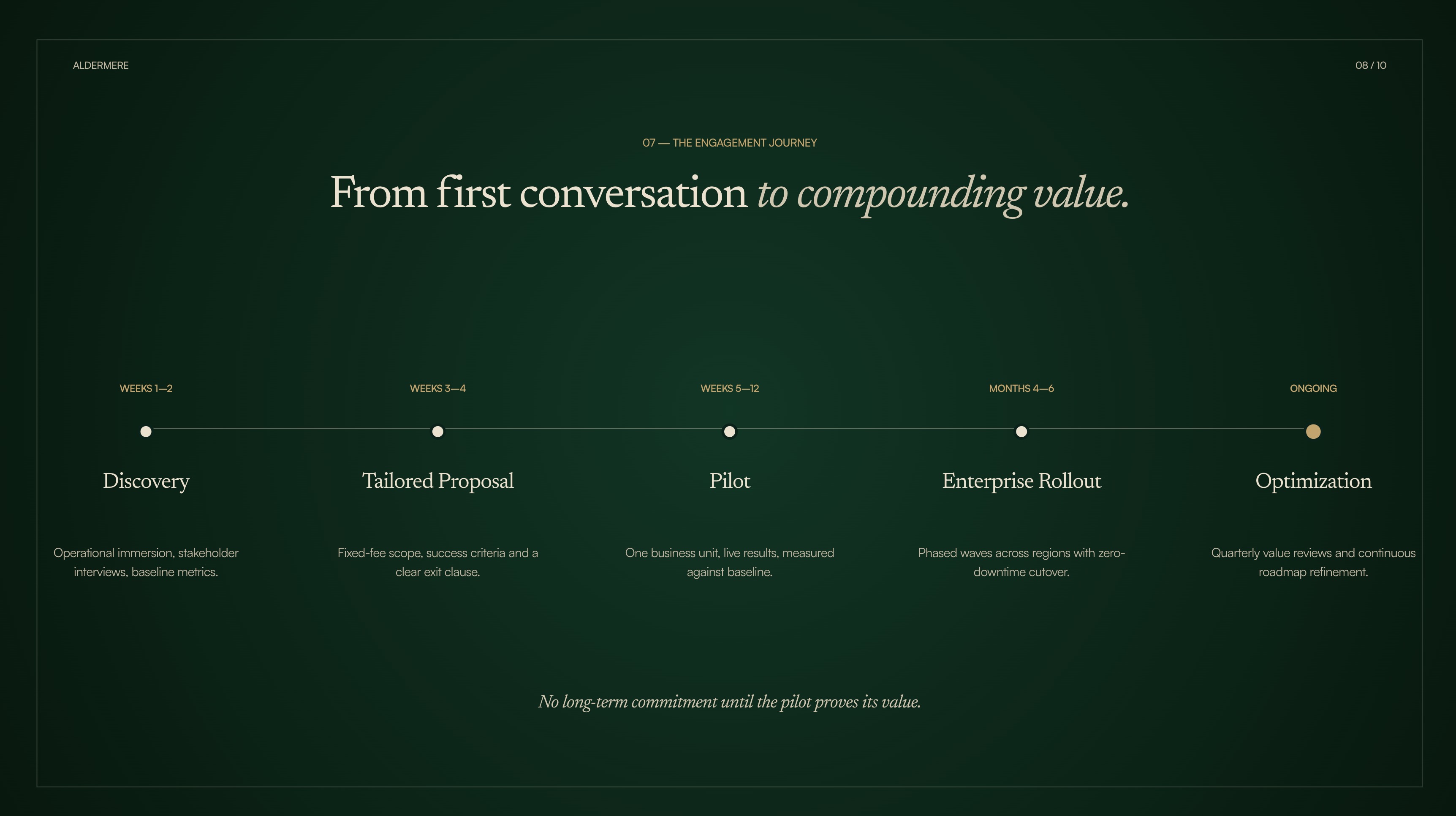
Describe your idea or drop in a document. Skyline picks the layout, typography, imagery and color for every slide, so the first draft already looks finished.
- Layouts chosen slide by slide
- On-brand colors and fonts
- Real imagery, not placeholders
Refine with an AI agent, slide by slide
Ask for changes in plain language. Rewrite a section, restyle a slide or add a chart, then keep editing by hand whenever you want.
- Chat edits on any slide
- Direct editing on the canvas
- Full manual control
Present, share or export anywhere
Open presentation mode, share a link, or export to PowerPoint, PDF and Google Slides with your layouts intact.
- PowerPoint and PDF export
- Google Slides ready
- Shareable links
FAQ
Frequently asked questions
Architect the moments
that shape decisions.
Leverage AI to save hours and progress faster. Focus on decisions and strategy while machines handle the heavy lifting.